
Treemap
A treemap shows hierarchical data as nested rectangles, each leaf sized by its value — budgets, disk usage, market share. kymo's editor reads the Mermaid treemap-beta syntax.
This page works like a quickstart: as you scroll, the pane on the right shows the source and the preview for the section you're reading. Copy grabs the source; ▶ Open in editor loads it into editor.kymo.studio (pick mermaid in the diagram-type dropdown when starting from scratch).
Every node is a quoted string; indentation nests them, mindmap-style. A branch node is just "Name", a leaf adds its value with a colon ("Phones": 50) — branch sizes are the sum of their leaves.
The -beta suffix on the header is required — the syntax is still stabilising upstream.
treemap-beta
"Products"
    "Electronics"
        "Phones": 50
        "Computers": 30
    "Clothing"
        "Men": 40
        "Women": 40
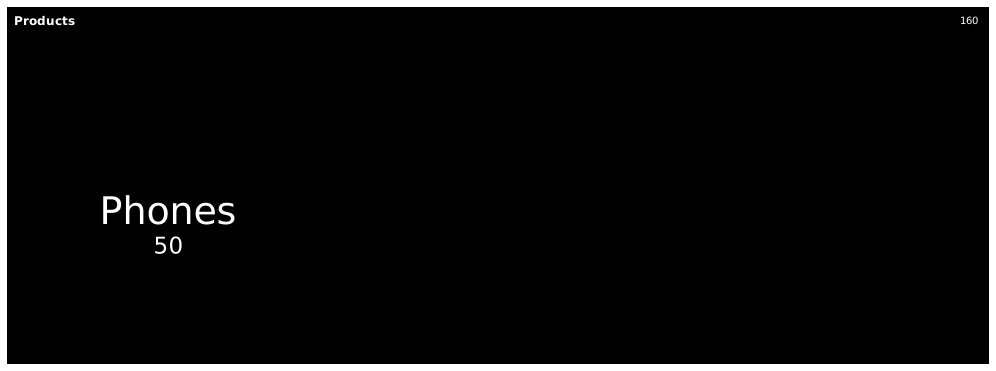
Status. Treemap previews on this page and in the editor use the Mermaid renderer; importing treemaps into kymo's own pipeline (native SVG/PNG/PDF rendering) is on the roadmap.